 UAE Dirham
 USD
USD

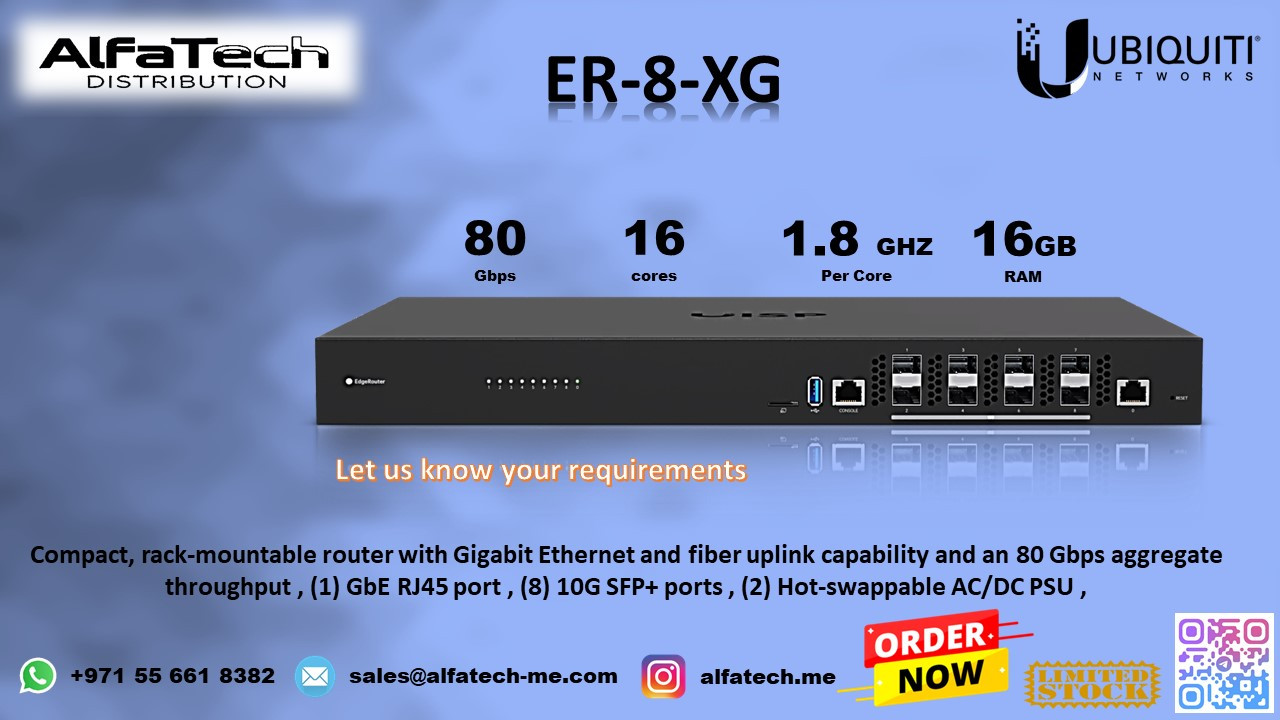
A data center and a large-scale enterprise were struggling with network bottlenecks, high latency, and insufficient routing capacity. Their existing router lacked 10G throughput, leading to slow data transfers, congestion, and inefficient traffic management. They required a high-performance, multi-port 10G router to handle their growing bandwidth demands and ensure seamless connectivity.
ALFA TECH’s Solution
To meet the high-performance networking requirements, ALFA TECH deployed the Ubiquiti EdgeRouter ER-8-XG, delivering:
Eight 10G SFP+ Ports – Ensuring ultra-fast fiber connectivity and high-speed data transfers.
Powerful Processing – Capable of handling millions of packets per second with low latency.
Advanced Routing Features – BGP, OSPF, and VLAN support for enterprise-grade networking.
Load Balancing & Failover – Ensuring network stability and high availability.
Enterprise-Grade Security – Firewall, VPN, and traffic filtering for secure operations.
Compact & Rack-Mountable Design – Perfect for data centers and large-scale enterprises.
With ER-8-XG, the organization experienced a massive boost in network speed, lower latency, and improved traffic flow, enabling seamless data center operations and enterprise networking.
Customer Satisfaction
After the deployment, the business reported:
Drastic improvement in network speed and capacity with 10G connections.
Seamless handling of high-bandwidth applications and cloud services.
Enhanced network security and traffic management.
Zero downtime with load balancing and failover support.
The ER-8-XG provided unmatched performance, making it the ideal choice for businesses needing ultra-fast, scalable, and enterprise-grade routing solutions.
Installation & Configuration Details
Installation Steps:
Rack-mount the ER-8-XG in a data center or network cabinet.
Connect fiber uplinks via the SFP+ ports to core switches or aggregation layers.
Power the router and access the EdgeOS web UI for setup.
Configure VLANs, routing protocols (BGP, OSPF), and firewall rules.
Enable load balancing and failover for network redundancy.
Optimize QoS settings for traffic prioritization.
Monitor network performance using built-in analytics tools.