 UAE Dirham
 USD
USD

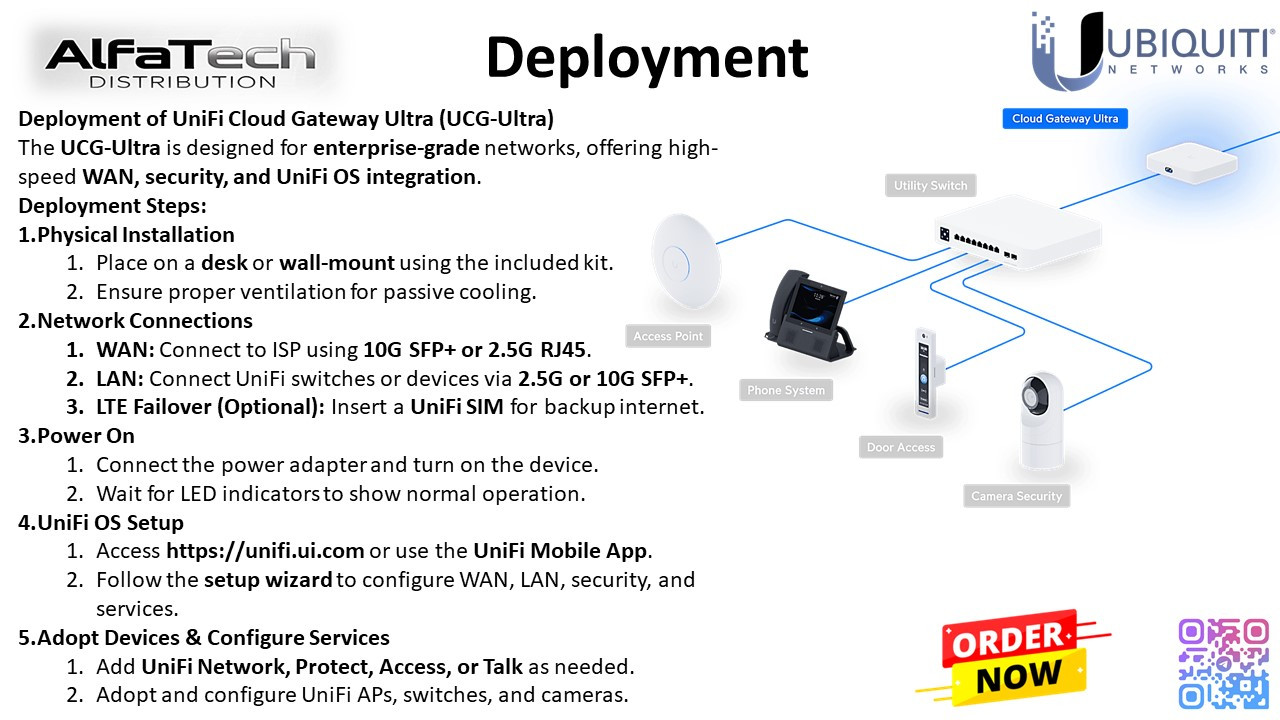
The UCG-Ultra is designed for enterprise-grade networks, offering high-speed WAN, security, and UniFi OS integration.
Deployment Steps:
1. Physical Installation
- Place on a desk or wall-mount using the included kit.
- Ensure proper ventilation for passive cooling.
2. Network Connections
- WAN: Connect to ISP using 10G SFP+ or 2.5G RJ45.
- LAN: Connect UniFi switches or devices via 2.5G or 10G SFP+.
- LTE Failover (Optional): Insert a UniFi SIM for backup internet.
3. Power On
- Connect the power adapter and turn on the device.
- Wait for LED indicators to show normal operation.
4. UniFi OS Setup
- Access https://unifi.ui.com or use the UniFi Mobile App.
- Follow the setup wizard to configure WAN, LAN, security, and services.
5. Adopt Devices & Configure Services
- Add UniFi Network, Protect, Access, or Talk as needed.
- Adopt and configure UniFi APs, switches, and cameras
Stay updated with our latest products, exclusive deals, and industry insights! Join our community on:
Telegram: https://t.me/alfatech
Facebook: https://www.facebook.com/alfatech.me
Instagram: https://www.instagram.com/alfatech.me/
WhatsApp: https://whatsapp.com/channel/0029VaHH5wbDJ6Gv1MvEG60C
Follow us now and be part of the AlfaTech network!